Connect
Connect Camera Dashboard through the Ring Appstore and choose the cameras you want to include.
 Camera Dashboard
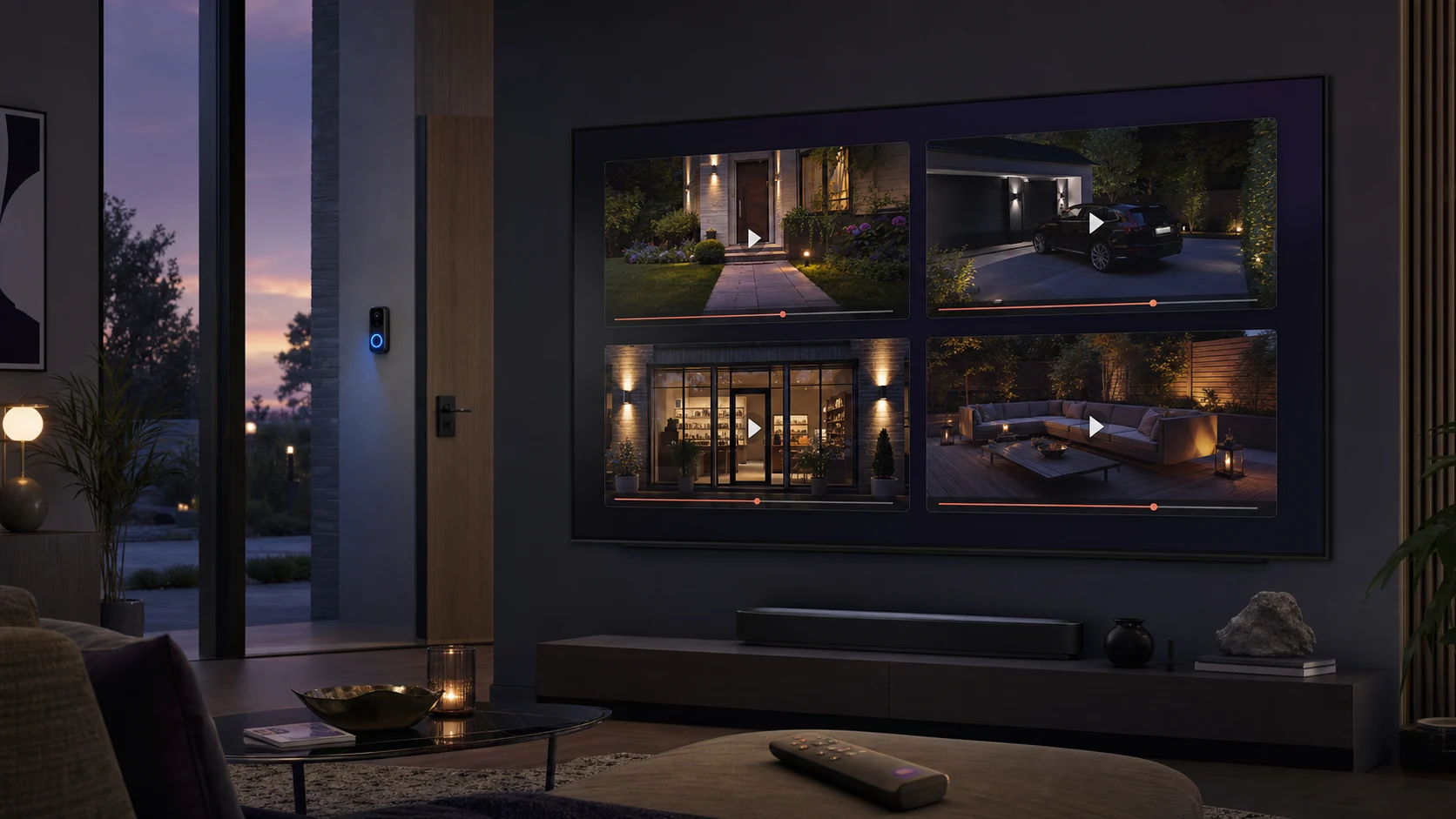
Your cameras. One clear view.
See recent motion at a glance, then replay the moment you missed—all from the couch.
The front door, driveway, garden, and garage—together on the biggest screen in your home.
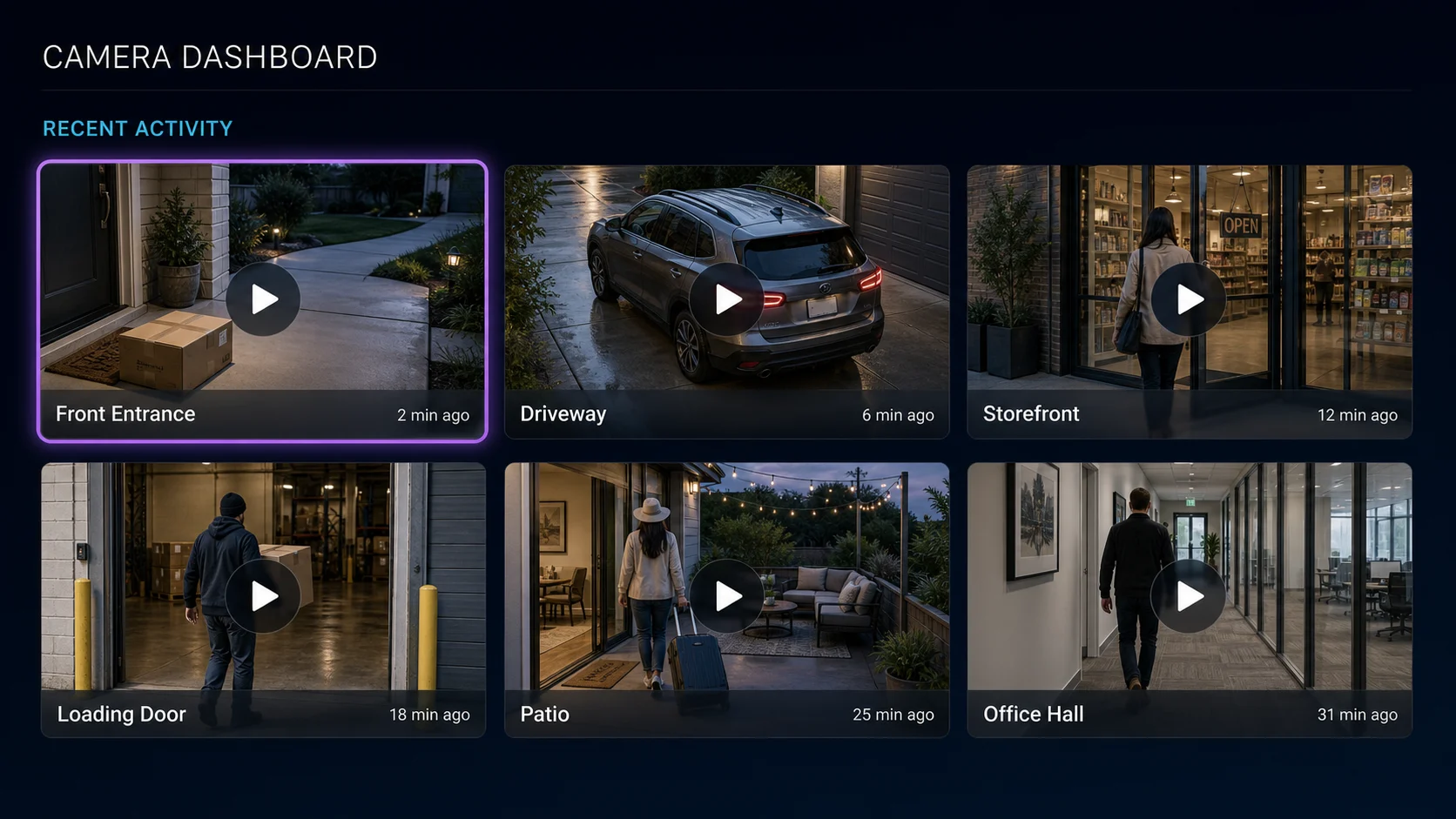
Camera overview
See what happened recently across the cameras you selected, without opening each feed one at a time.
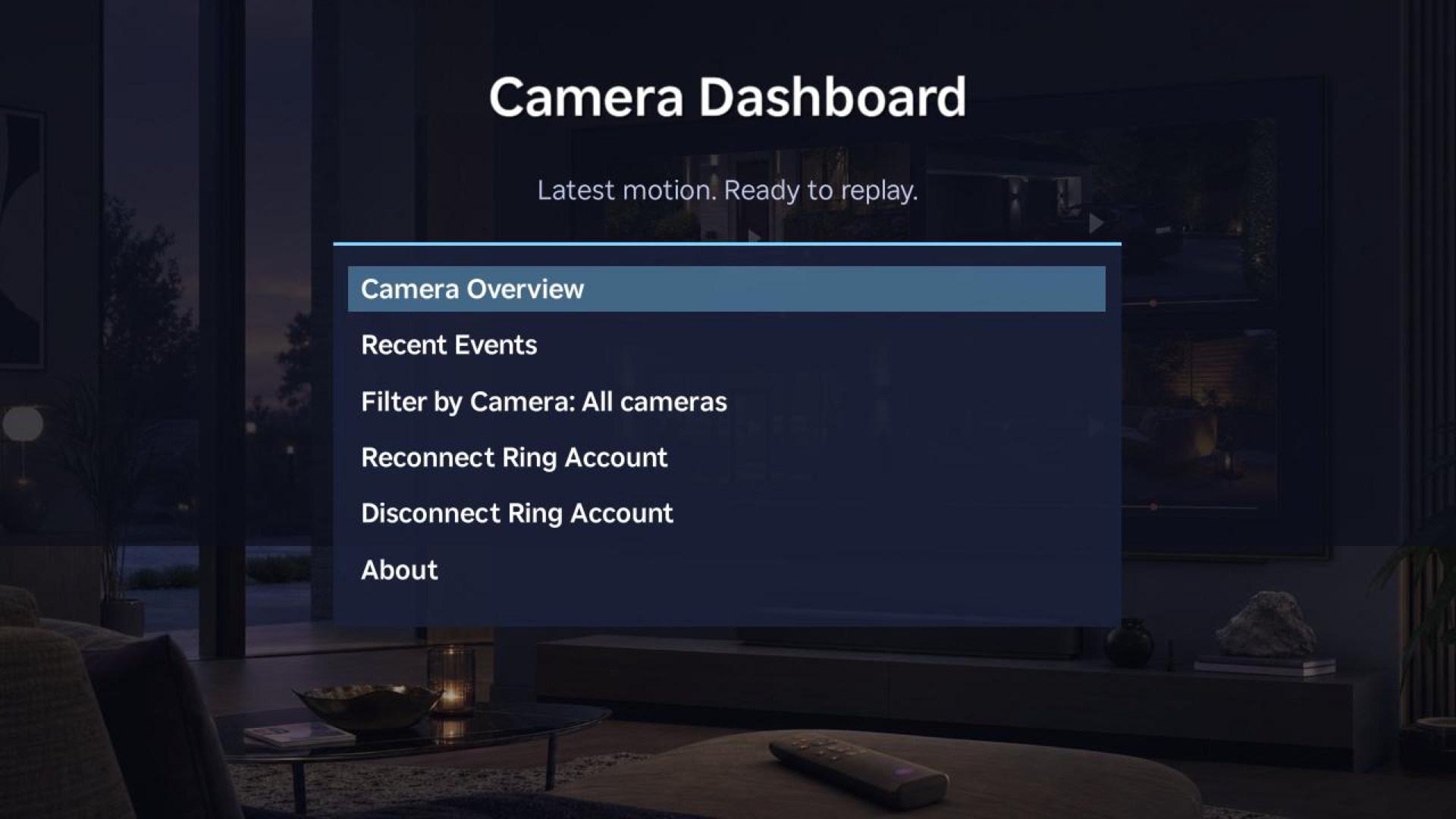
Made for the remote
Browse your overview, scan recent events, filter by camera, and manage your connection with a familiar Roku menu.
How it works
Connect Camera Dashboard through the Ring Appstore and choose the cameras you want to include.
Open Camera Dashboard on Roku and enter the short pairing code shown on your TV.
Browse the latest events from every selected camera and play a recording with your Roku remote.
Designed with restraint
Camera Dashboard does not use footage, snapshots, or customer metadata to train artificial-intelligence models. Recent event copies are eligible for automatic deletion no later than one day after storage.
Read the Privacy Policy →Camera Dashboard for Roku
Compatible Roku and Ring devices and a Ring subscription supporting recorded events are required. Camera Dashboard does not provide live video and is not a security or emergency-response service.